Work from your phone, and use the camera to capture certificates and receipts.
Abodient is the same app on your phone. Open app.abodient.ai in your phone's browser and sign in — there is nothing to install.
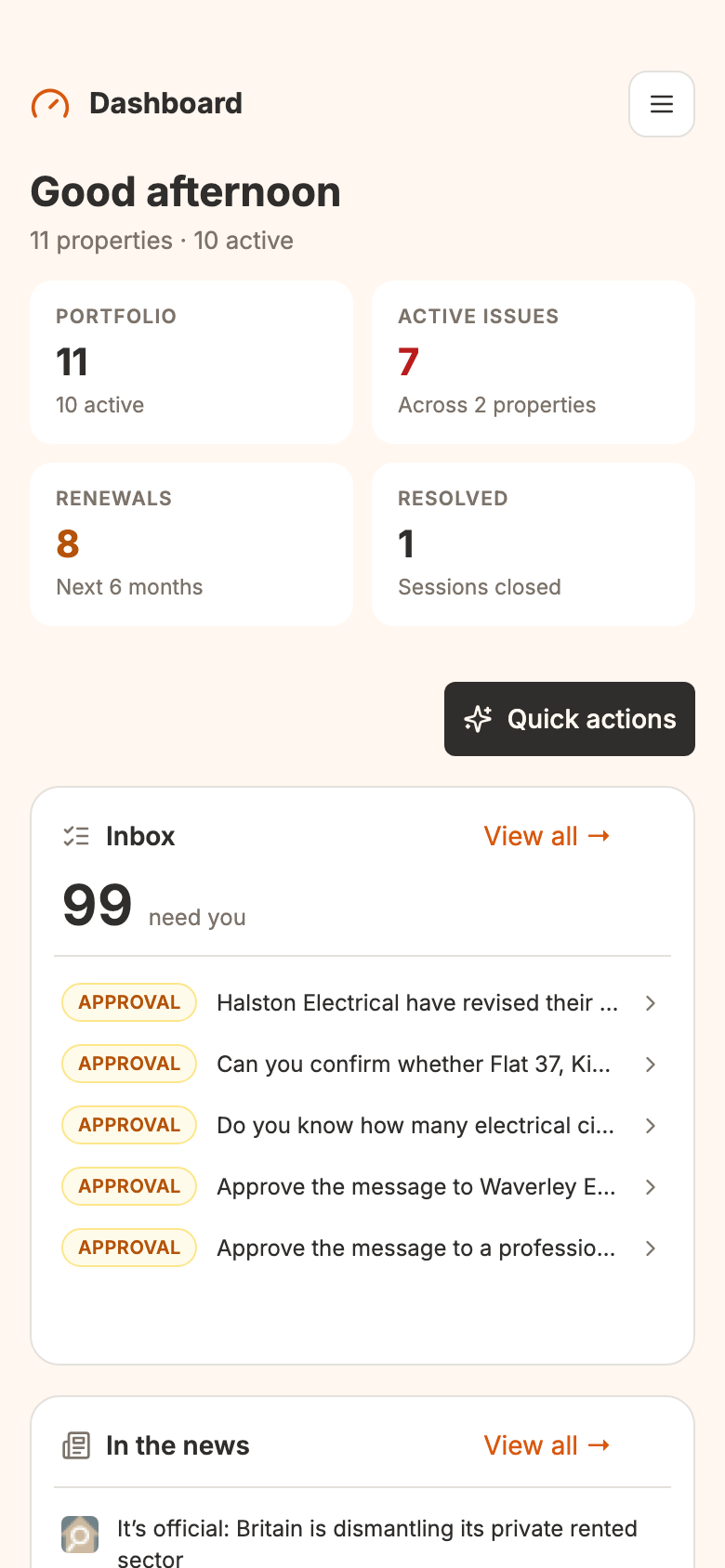
Everything is here, laid out for a narrow screen: the cards stack into one column, and the sidebar becomes a menu.
Your account and data are the same as on your computer, and changes sync both ways at once.
Add it to your home screen for a one-tap way back.
Open the menu and choose Chat. Alfred opens over the whole screen, on top of the page you were on.
To put it away without losing your place, press the down arrow at the top left. The chat shrinks to a round photo of Alfred at the bottom right. Tap the photo to bring it back, with the conversation as you left it. If Alfred is still writing a reply, he carries on, and a small dot shows when it lands.
Press the small ✕ on the photo to close the chat. Choose Chat from the menu again to start where you left off. A link in one of his answers takes you to that screen and shrinks the chat for you.
Inside the chat, the + (New chat) starts a new chat. The button beside it, Open the full Chat page, opens the full Chat page. Tap the chat's title for your recent chats.
The reason to reach for your phone is the camera. Anywhere you add a document — a property's Documents, or a receipt on the Finance page — your phone offers Take Photo, so you capture the certificate or receipt where you are standing.
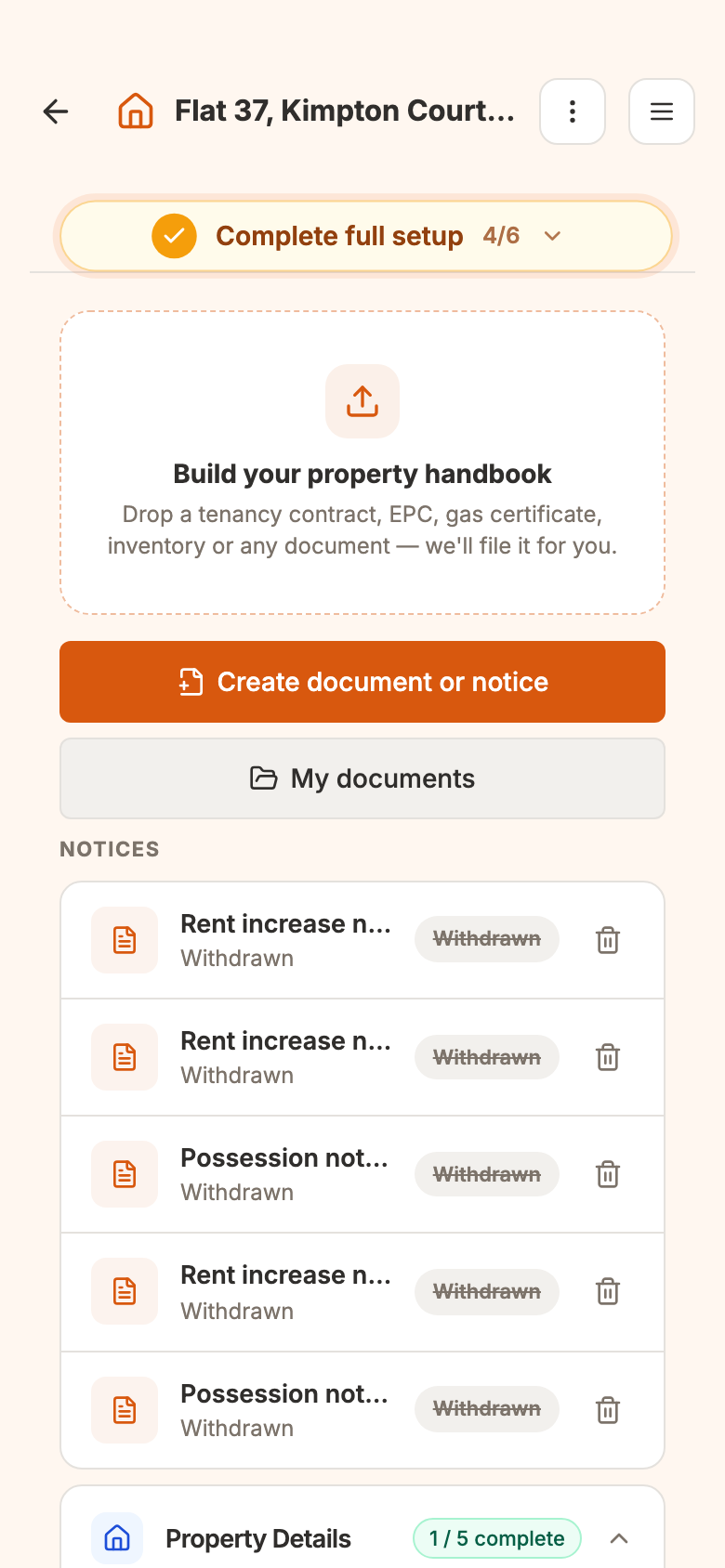
A receipt goes one better: on the Finance page, Add expense reads the photo and fills in the amount and date for you.
